
Enjoying Your New TV in SA: Post-Installation Care for Optimal Viewing & Longevity
New TV installed in South Africa? Discover essential post-installation care tips to optimise picture quality, manage cables safely, and extend your TV’s lifespan - expert advice for long-lasting viewing enjoyment.

Enjoying Your New TV in SA: Post-Installation Care for Optimal Viewing & Longevity
Congratulations on your new TV installation! Whether it’s a sleek flat-screen mounted perfectly on your living room wall or a new Smart TV gracing your entertainment unit, the right post-installation care is crucial for ensuring years of optimal viewing pleasure and extending the lifespan of your investment. It’s not just about turning it on; it’s about maintaining its performance, picture quality, and even the safety of your home.
Drawing on insights from seasoned electricians and home theatre specialists across South Africa, we'll walk you through essential aftercare tips – from keeping your screen spotless to managing those pesky cables and optimising your viewing environment.
The Importance of Professional Installation: A Foundation for Longevity
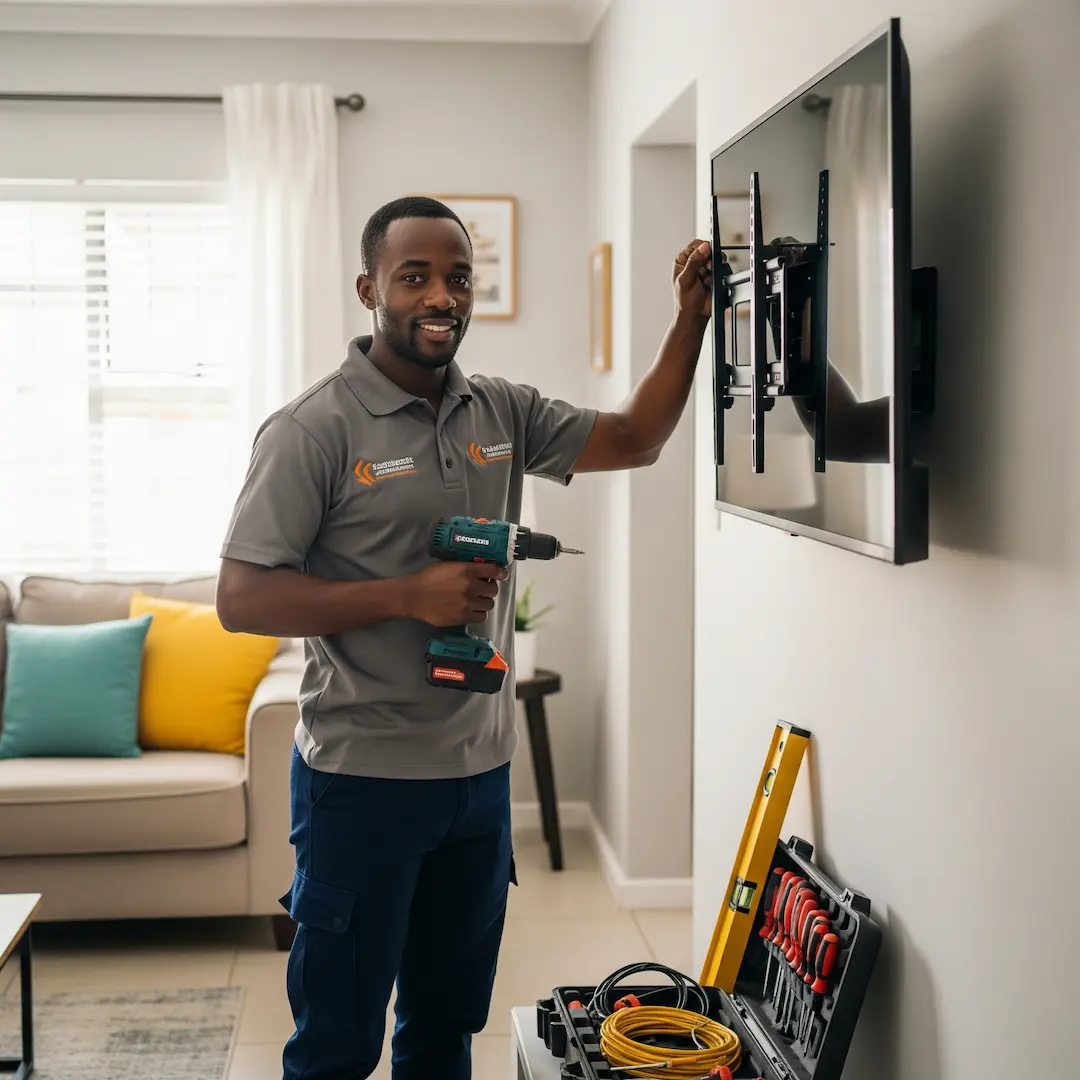
Before diving into aftercare, let's briefly touch on the foundation: professional installation. We've seen countless scenarios where DIY attempts at mounting large, modern TVs lead to unstable setups or even damage. One professional we spoke to recounted a homeowner who tried to mount a 65-inch TV themselves, only for it to come crashing down a few weeks later due to inadequate wall plugs. The cost of replacing the TV far outweighed the initial saving on professional installation.
When a qualified electrician or home theatre installer mounts your TV, they ensure:
- Secure Mounting: Using the correct brackets and fixings for your specific wall type (brick, drywall, plasterboard), preventing accidental falls and costly damage.
- Proper Ventilation: Positioning the TV to allow adequate airflow, which is critical for preventing overheating, a common cause of TV component failure.
- Optimal Viewing Angle: Advising on the best height and angle for your space, reducing neck strain and enhancing your viewing experience.
- Concealed Cabling: Often, they'll offer solutions for neat cable management, improving aesthetics and safety.
A solid, professional installation sets the stage for easy maintenance and peace of mind.
Keeping Your TV Screen Sparkling: Best Practices for Cleaning
One of the most common questions we hear is about cleaning the TV screen. Smudges, dust, and fingerprints can significantly detract from your viewing experience. However, modern TV screens, especially LED and OLED panels, are delicate and require a gentle touch.
Here's how the pros recommend you clean your TV screen:
- Turn it Off and Let it Cool: Always clean a cold, turned-off screen. This allows you to see dust and smudges more clearly and prevents heat from affecting cleaning solutions.
- Dust First: For light dust, use a soft, dry, lint-free microfibre cloth. Gently wipe in one direction. Avoid paper towels, tissues, or rough cloths, as these can scratch the screen.
- For Smudges and Fingerprints: If dust isn't enough, slightly dampen a new, clean microfibre cloth with distilled water. Never spray water or cleaning solutions directly onto the screen. The liquid can drip down into the bezels and damage internal components.
- Specialised Cleaners (Use with Caution): Some TV manufacturers recommend specific screen cleaning solutions. If you use one, ensure it's alcohol-free, ammonia-free, and specifically designed for electronics. Apply the solution to your microfibre cloth, not directly to the screen.
- Gentle Pressure Only: Apply minimal pressure when wiping. Too much pressure can damage the pixels, especially on delicate OLED screens.
- Avoid Harsh Chemicals: Steer clear of window cleaner, kitchen cleaners, or any products containing alcohol, ammonia, acetone, or abrasives. These can strip anti-glare coatings or damage the screen's surface.
A pro shared a common mistake they observe: "Many people use their usual household glass cleaner on their TV. We've seen countless screens with streaky, damaged coatings as a result. Always read your TV's manual for specific cleaning recommendations – it's there for a reason!"
Mastering Cable Management: Taming the Tangled Mess
After installation, you might find a spaghetti of cables behind your TV. Not only is this unsightly, but it can also be a tripping hazard and make it difficult to access ports. Effective cable management is about both aesthetics and functionality.
Here are some expert tips for keeping your cables organised:
- Cable Ties and Velcro Straps: These are your best friends. Gather cables belonging together (e.g., all HDMI cables, all power cables) and secure them neatly. Velcro straps are reusable and adjustable, making them a favourite among installers.
- Cable Sleeves or Conduits: For a truly clean look, especially for wall-mounted TVs, consider using cable sleeves or conduits. These enclose multiple cables into one neat bundle. Surface-mounted conduits can be painted to match your wall, or an installer might have recessed them into the wall during the initial setup for a completely invisible look.
- Label Your Cables: As one installer wisely put it, "Future you will thank past you for labelling." Use small labels or tape to identify which cable goes to which device. This makes troubleshooting or reconfiguring your setup infinitely easier.
- Leave Some Slack: Don't pull cables too taut. Leave a little slack to avoid strain on the ports and to allow for minor adjustments.
- Separate Power Cables: Try to run power cables separately from data/video cables (like HDMI or Ethernet) to minimise electromagnetic interference, which can sometimes affect picture or sound quality.
A well-managed cable system not only looks professional but also reduces the chances of accidental disconnections or damage to your devices.
Optimising Your Viewing Environment for the Best Experience
Beyond the TV itself, your viewing environment plays a significant role in your enjoyment. Think about lighting, sound, and even the placement of furniture.
- Controlling Light:Reduce Glare: Direct sunlight or bright room lights can cause reflections on your screen. Consider blackout curtains or blinds for rooms with strong natural light. Position your TV to minimise direct light sources hitting the screen.
- Ambient Lighting: For an immersive experience, especially in the evenings, consider bias lighting (LED strips behind the TV). This reduces eye strain by providing a soft glow that contrasts less harshly with the bright screen, making the picture appear more vibrant.
- Sound Enhancement:Speaker Placement: If you have external speakers or a soundbar, ensure they are positioned correctly according to the manufacturer's recommendations for optimal sound dispersion.
- Room Acoustics: While a big topic, even small changes like adding rugs, curtains, or upholstered furniture can help absorb sound and reduce echoes, making dialogue clearer and music richer.
- Viewing Distance and Angle:Recommended Distance: Your TV's manual usually provides a recommended viewing distance based on screen size for the best immersion and picture quality. As a general rule of thumb for 4K TVs, many experts suggest a distance of roughly 1 to 1.5 times the diagonal screen size for a cinematic experience.
- Eye Level: For wall-mounted TVs, the centre of the screen should ideally be at eye level when you are seated. If it's too high, it can lead to neck strain.
Protecting Your Investment: Power Surges and Ventilation
South Africa is unfortunately prone to power surges, especially during thunderstorms. These can be incredibly damaging to sensitive electronics like TVs.
- Surge Protectors: Always connect your TV and associated devices (decoders, sound systems) to a quality surge protector. This acts as a buffer, absorbing excess voltage before it reaches your valuable electronics. Look for surge protectors with a high Joule rating for better protection.
- Unplug During Storms: For ultimate protection during severe electrical storms, it's always best to unplug your TV and other electronics from the wall entirely.
- Maintain Ventilation: Ensure nothing is blocking the vents on your TV (usually on the back or sides). Dust can accumulate in these vents over time, restricting airflow and causing the TV to overheat. Periodically vacuum or gently brush away any dust from the vents.
By consistently applying these aftercare tips, you're not just maintaining a piece of electronics; you're preserving your entertainment hub and ensuring countless hours of high-quality viewing for years to come.
Frequently Asked Questions
How often should I clean my TV screen?
It depends on how dusty your environment is and how often the screen gets touched. For general dust, once a week or every two weeks is usually sufficient. For smudges, clean them as they appear to maintain optimal picture quality.
Can I use a regular cloth to clean my TV?
No, it's best to use a clean, soft, lint-free microfibre cloth. Regular cloths, paper towels, or tissues can be abrasive and leave behind lint or even scratch the delicate screen surface.
My TV is mounted on the wall; how do I access the ports for new devices?
If your TV was professionally installed, the installer likely considered port accessibility. For recessed mounts, you might need to gently pull the bottom of the TV away from the wall (if your mount allows for tilt or extension) to access the rear ports. For fixed mounts, you might need to use a small mirror or feel around with your hand. For complex setups, or if you're unsure, it might be best to contact a professional for assistance.
What are the signs that my TV might be overheating?
Signs of overheating can include the TV unexpectedly shutting off, noticeable slowdowns in performance, strange discolouration on the screen (especially at the edges), or the back of the TV feeling excessively hot to the touch. If you suspect overheating, ensure vents are clear and consider if the TV is too close to a heat source or in an unventilated cabinet.
Find a vetted electrician near you
TV installation: find a pro near you
Suzette Meyer is the lead author and content creator for Kandua.com, South Africa’s #1 marketplace for home services. Suzette has made it her mission to help homeowners with advice on all aspects of home repair, maintenance and improvement, including how to choose the right Pro and how to make smart upgrades that improve your resale value or save costs.

Latest articles, advice and more
.webp)
.webp)
.webp)
.webp)
.jpeg)
Sinking Pavers, Weeds and Water That Pools: What Your Driveway Is Telling You
When your driveway starts sprouting weeds, pooling water, or sinking in patches, the bricks are not failing you. The layers underneath have moved, and they are trying to tell you exactly what went wrong.
.webp)
.webp)
Beyond the Unboxing: A Detailed Guide to Correct Washing Machine Plumbing & Setup
New washing machine in South Africa? Learn essential plumbing and setup tips to prevent leaks, ensure efficient operation, and extend your appliance’s lifespan - expert advice before your first load.
.webp)
New Washing Machine? Don't Plug It In Yet! Essential Installation Tips for SA Homes
Installing a new washing machine? Learn the essential setup steps South African homeowners often overlook to prevent leaks, noise, and damage—and ensure efficient, long-lasting performance from day one.
.webp)
.webp)
%25201200%2520x%25201200%2520(1).jpeg)
What Retiling a Bathroom Costs in 2026, Room by Room
Retiling a bathroom in South Africa costs between R230 and R800 per square metre in 2026, including materials and labour. A standard family bathroom, stripped and fully retiled, usually lands between R11,800 and R27,500. A guest toilet costs a fraction of that. A large porcelain en-suite costs a lot more.
How to Install a Horizontal Geyser | Step-by-Step Pro Guide
Want to install a geyser like a pro? This step-by-step tutorial shows you exactly how to do a horizontal Ariston Axios geyser installation, straight from the BluLever plumbing workshop. 🎥 Hosted by MK, BluLever’s technical facilitator, and supported by a qualified electrician, Life and a BluLever graduate artisan, Zinhle. This is your ultimate guide to a SANS 10254-compliant installation — from preparing the wall, to plumbing, electrical wiring, and pro troubleshooting tips.
How to Maintain a Geyser | Step-by-Step Pro Guide
Want to maintain a geyser like a pro? This step-by-step tutorial shows you exactly how to do the three core geyser maintenance checks on an Ariston Axios geyser installation, straight from the BluLever plumbing workshop. 🎥 Hosted by MK, BluLever’s technical facilitator, and supported by a qualified electrician, Life. This is your ultimate guide to geyser maintenance — from diagnosing the problem to checking the heat regulation of the geyser, to pressure regulation and then finally corrosion protection.
%201.avif)
Not just another newsletter. It's an advantage