
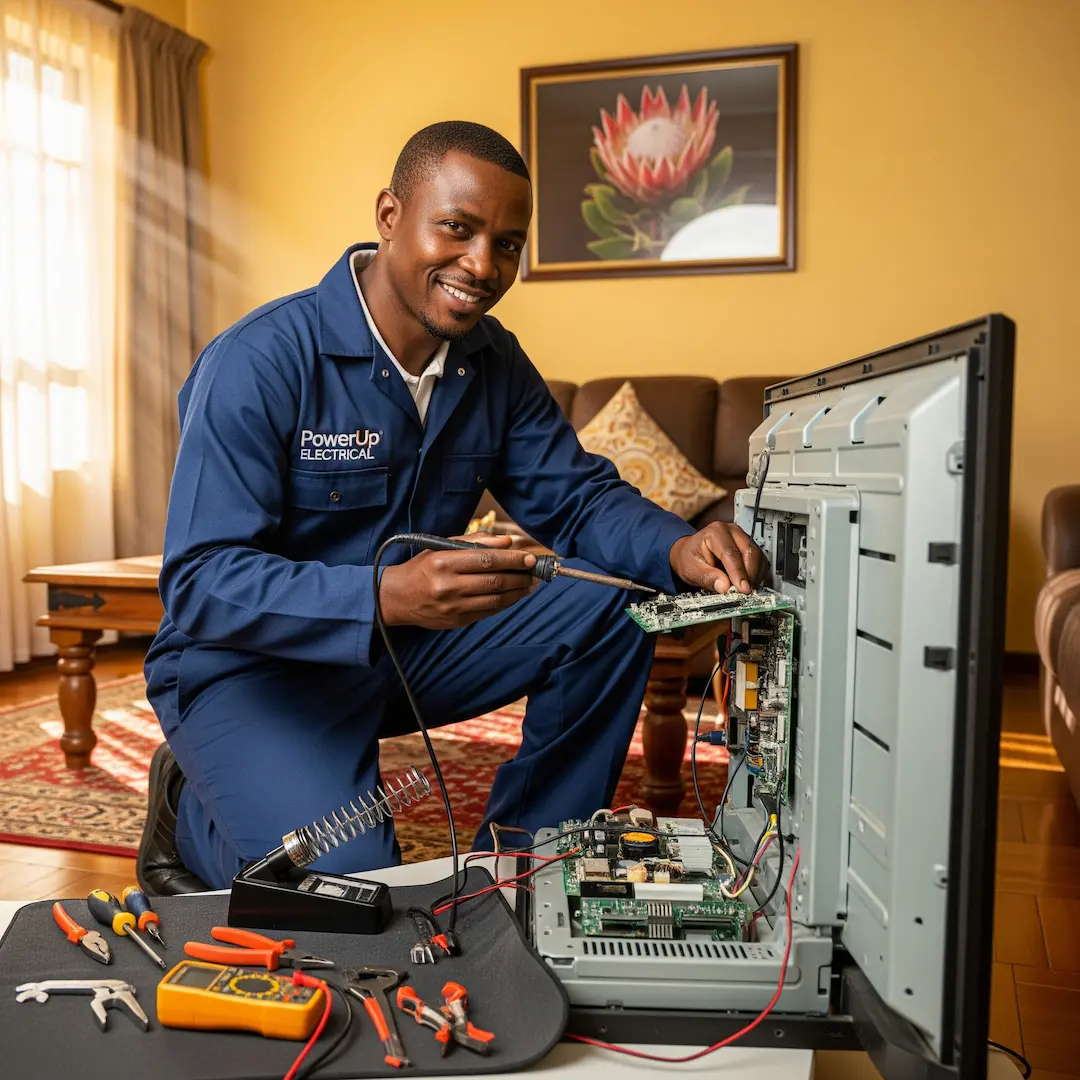
TV Not Turning On? Advanced Troubleshooting & Repair Options for Your TV in SA
TV won’t turn on? Learn common causes, simple troubleshooting steps, and when South African homeowners should call a repair specialist to restore performance and avoid unnecessary replacement costs.

There's nothing quite as frustrating as settling down for a bit of relaxation, only to be met with a blank screen when you press the power button on your TV. Whether it's a sudden black screen, no indicator lights, or a persistent click without turning on, a TV that won't power up can feel like a major headache. But before you panic and consider a costly replacement, understanding some common reasons and troubleshooting steps can often save the day – or at least help you make an informed decision about repair.
Our network of experienced TV repair specialists across South Africa frequently encounter these issues, and they've shared invaluable insights into diagnosing and resolving complex TV malfunctions.
Understanding Why Your TV Might Not Be Turning On
When your TV refuses to cooperate, it typically boils down to a few key areas: power issues, internal component failures, or sometimes even external device conflicts.
1. Power Supply Problems
This is often the first suspect. Just like any electronic device, a TV needs a stable power supply to function.
- Loose Connections: It might sound obvious, but a power cord that's not fully plugged into the wall socket or the TV itself is a surprisingly common culprit. One of our technicians once arrived at a call-out in Durban, only to find the homeowner sheepishly admit their cat had nudged the plug ever so slightly out of the wall. A firm push was all it took!
- Faulty Wall Socket: Sometimes, the problem isn't the TV but the power source. Plugging another appliance into the same socket can quickly tell you if the socket is dead.
- Power Strip or Surge Protector Issues: If your TV is plugged into a power strip or surge protector, it could be overloaded, faulty, or tripped. Try plugging the TV directly into a wall outlet to rule this out.
- Internal Power Board Failure: This is a more serious internal issue. The power board within your TV is responsible for distributing the correct voltage to all components. A sudden power surge, a fault in a capacitor, or just general wear and tear can cause it to fail. When this happens, you might hear a faint clicking sound, see no indicator lights, or experience intermittent power.
2. Backlight or Display Issues (for LED/LCD TVs)
Even if the TV seems to be "on" but there's no picture, it could be a backlight issue. Modern LED and LCD TVs rely on backlights to illuminate the display.
- Failed Backlight Strips: Over time, individual LED bulbs or entire backlight strips can fail. When this happens, the TV might technically be on (you might hear sound, or see a very faint image with a flashlight), but the screen remains black. Our experts often report seeing this on older models or TVs that have been subjected to long hours of continuous use.
3. Internal Component Failures
Beyond the power board and backlight, several other internal components can cause a TV to fail to turn on.
- Main Board (Motherboard) Malfunction: The main board is the brain of your TV, controlling all functions, inputs, and outputs. A faulty main board can lead to a complete lack of response from the TV. Symptoms can range from no power whatsoever to the TV getting stuck in a boot loop (constantly trying to turn on and then shutting off).
- T-Con Board Issues (Timing Controller Board): While primarily responsible for processing the image signal to the LCD panel, a severely faulty T-Con board can sometimes prevent the TV from fully booting up, especially if it's causing a short circuit.
- Damaged Capacitors: These small electronic components store and release electrical energy. Swollen or leaking capacitors on the power board or main board are a common sign of failure and can prevent the TV from powering on correctly. A technician in Johannesburg recently shared how a quick visual inspection inside a non-responsive TV immediately revealed several bulging capacitors on the power supply, a clear indicator of the problem.
Basic Troubleshooting You Can Try At Home
Before calling in the cavalry, try these troubleshooting steps. Remember, if at any point you feel unsure or uncomfortable, it’s always best to stop and contact a professional. DIY electrical work can be dangerous and should only be attempted if you are confident in your ability.
- Check Power Connections:Ensure the power cord is securely plugged into both the wall outlet and the TV.
- Try a different wall outlet.
- Bypass any power strips or surge protectors and plug the TV directly into the wall.
- Check the fuse in the TV's plug (if applicable in SA). Always ensure the TV is unplugged before attempting this.
- Perform a Power Cycle (Soft Reset):Unplug the TV from the wall socket.
- Press and hold the power button on the TV itself (not the remote) for 30-60 seconds. This helps drain any residual power from the capacitors.
- Release the power button and plug the TV back in.
- Try turning it on.
- Check the Remote Control:Replace the batteries in your remote.
- Point the remote at the TV's IR sensor and try turning it on.
- Try pressing the power button directly on the TV itself. If the TV turns on with the on-board button but not the remote, your remote might be the issue.
- Disconnect External Devices:Unplug all HDMI cables, USB devices, soundbars, and any other peripherals connected to your TV. Sometimes a faulty external device can cause conflicts that prevent the TV from powering on.
- Try turning the TV on after everything is disconnected. If it turns on, reconnect devices one by one to identify the culprit.
- Look for Indicator Lights:Does the power indicator light on your TV come on, blink, or stay off? Different blinking patterns can sometimes indicate specific error codes, though these are often model-specific and require consulting your TV's manual. A solid light often means standby, while no light suggests no power.
When to Call a Professional TV Repair Technician
While basic troubleshooting can resolve simple issues, more complex problems require the expertise of a professional TV repair technician. Here's when it's definitely time to call in the experts:
- No Indicator Lights or Response After Power Cycling: If your TV shows no signs of life after trying the basic steps, it's highly likely an internal component failure.
- Clicking Sounds or Burning Smell: These are strong indicators of internal power board or component issues that require immediate professional attention. Never ignore a burning smell from an electronic device.
- Faint Picture (Backlight Issue): If you can faintly see an image using a flashlight on the screen (especially in a dark room), it points to a backlight problem. Replacing backlights is a delicate and often complex repair best left to professionals.
- The TV Powers On Briefly Then Shuts Off: This can be a symptom of various internal faults, including power supply or main board issues, and requires diagnostic tools to pinpoint.
- You're Uncomfortable Opening the TV: Internal TV components can store high voltage even when unplugged, posing an electrical shock risk. Professional technicians have the right tools, knowledge, and safety procedures.
- Diagnostic Tools Required: Reputable technicians have specialised equipment to test voltage, diagnose component failures, and access service menus that provide error codes. They can often quickly identify a faulty capacitor, a bad power supply board, or a failing main board. One expert told us how their oscilloscope quickly reveals unstable voltage output from a power board, confirming the need for a replacement.
What to Expect During a Professional TV Repair
When you engage a professional TV repair service in South Africa, here's a general idea of what to expect:
- Diagnosis: The technician will perform a thorough diagnostic check using their tools and expertise. They'll open the TV (if necessary) to visually inspect components for signs of damage like swollen capacitors, burnt spots, or loose connections.
- Quotation: Based on the diagnosis, they will provide you with a detailed quotation for the repair, including parts and labour.
- Component Replacement: Depending on the issue, common repairs involve replacing:
- Power Supply Board (PSU): If the internal power board is faulty.
- Main Board: If the "brain" of the TV is the problem.
- LED Backlight Strips: For display illumination issues.
- Capacitors: If individual faulty capacitors are identified.
- Testing: After the repair, the technician will thoroughly test the TV to ensure it's fully functional and stable before returning it to you.
Frequently Asked Questions
Is it worth repairing an older TV or should I just buy a new one?
This depends on several factors: the age of the TV, the cost of the repair, and the original price of the TV. For minor repairs on a relatively new or high-end TV, repair is often more cost-effective. For very old, low-cost TVs where the repair cost approaches the price of a new basic model, replacement might be a better long-term investment, especially considering advancements in technology and energy efficiency. Always get a quote before deciding.
How long does a typical TV repair take?
The duration of a TV repair can vary greatly. Simple fixes might be completed within an hour or two, while more complex issues requiring specific parts that need to be ordered could take several days to a week. Technicians usually provide an estimated timeframe after diagnosis.
Can a TV be damaged by load shedding?
Yes, load shedding can potentially damage electronic devices, including TVs, especially during power surges when electricity is restored. It's highly recommended to unplug your TV and other sensitive electronics during load shedding or to use a good quality surge protector to safeguard them.
What kind of warranty should I expect on a TV repair?
Reputable TV repair services in South Africa typically offer a warranty on their parts and labour, usually ranging from 3 to 6 months. This gives you peace of mind that if the same issue reoccurs shortly after the repair, it will be addressed without additional cost. Always confirm the warranty period with the technician before proceeding with the repair.
Find a vetted electrician near you
TV repair: find a pro near you
Suzette Meyer is the lead author and content creator for Kandua.com, South Africa’s #1 marketplace for home services. Suzette has made it her mission to help homeowners with advice on all aspects of home repair, maintenance and improvement, including how to choose the right Pro and how to make smart upgrades that improve your resale value or save costs.

Latest articles, advice and more
.webp)
.webp)
.webp)
.webp)
.jpeg)
Sinking Pavers, Weeds and Water That Pools: What Your Driveway Is Telling You
When your driveway starts sprouting weeds, pooling water, or sinking in patches, the bricks are not failing you. The layers underneath have moved, and they are trying to tell you exactly what went wrong.
.webp)
.webp)
Beyond the Unboxing: A Detailed Guide to Correct Washing Machine Plumbing & Setup
New washing machine in South Africa? Learn essential plumbing and setup tips to prevent leaks, ensure efficient operation, and extend your appliance’s lifespan - expert advice before your first load.
.webp)
New Washing Machine? Don't Plug It In Yet! Essential Installation Tips for SA Homes
Installing a new washing machine? Learn the essential setup steps South African homeowners often overlook to prevent leaks, noise, and damage—and ensure efficient, long-lasting performance from day one.
.webp)
.webp)
%25201200%2520x%25201200%2520(1).jpeg)
What Retiling a Bathroom Costs in 2026, Room by Room
Retiling a bathroom in South Africa costs between R230 and R800 per square metre in 2026, including materials and labour. A standard family bathroom, stripped and fully retiled, usually lands between R11,800 and R27,500. A guest toilet costs a fraction of that. A large porcelain en-suite costs a lot more.
How to Install a Horizontal Geyser | Step-by-Step Pro Guide
Want to install a geyser like a pro? This step-by-step tutorial shows you exactly how to do a horizontal Ariston Axios geyser installation, straight from the BluLever plumbing workshop. 🎥 Hosted by MK, BluLever’s technical facilitator, and supported by a qualified electrician, Life and a BluLever graduate artisan, Zinhle. This is your ultimate guide to a SANS 10254-compliant installation — from preparing the wall, to plumbing, electrical wiring, and pro troubleshooting tips.
How to Maintain a Geyser | Step-by-Step Pro Guide
Want to maintain a geyser like a pro? This step-by-step tutorial shows you exactly how to do the three core geyser maintenance checks on an Ariston Axios geyser installation, straight from the BluLever plumbing workshop. 🎥 Hosted by MK, BluLever’s technical facilitator, and supported by a qualified electrician, Life. This is your ultimate guide to geyser maintenance — from diagnosing the problem to checking the heat regulation of the geyser, to pressure regulation and then finally corrosion protection.
%201.avif)
Not just another newsletter. It's an advantage