
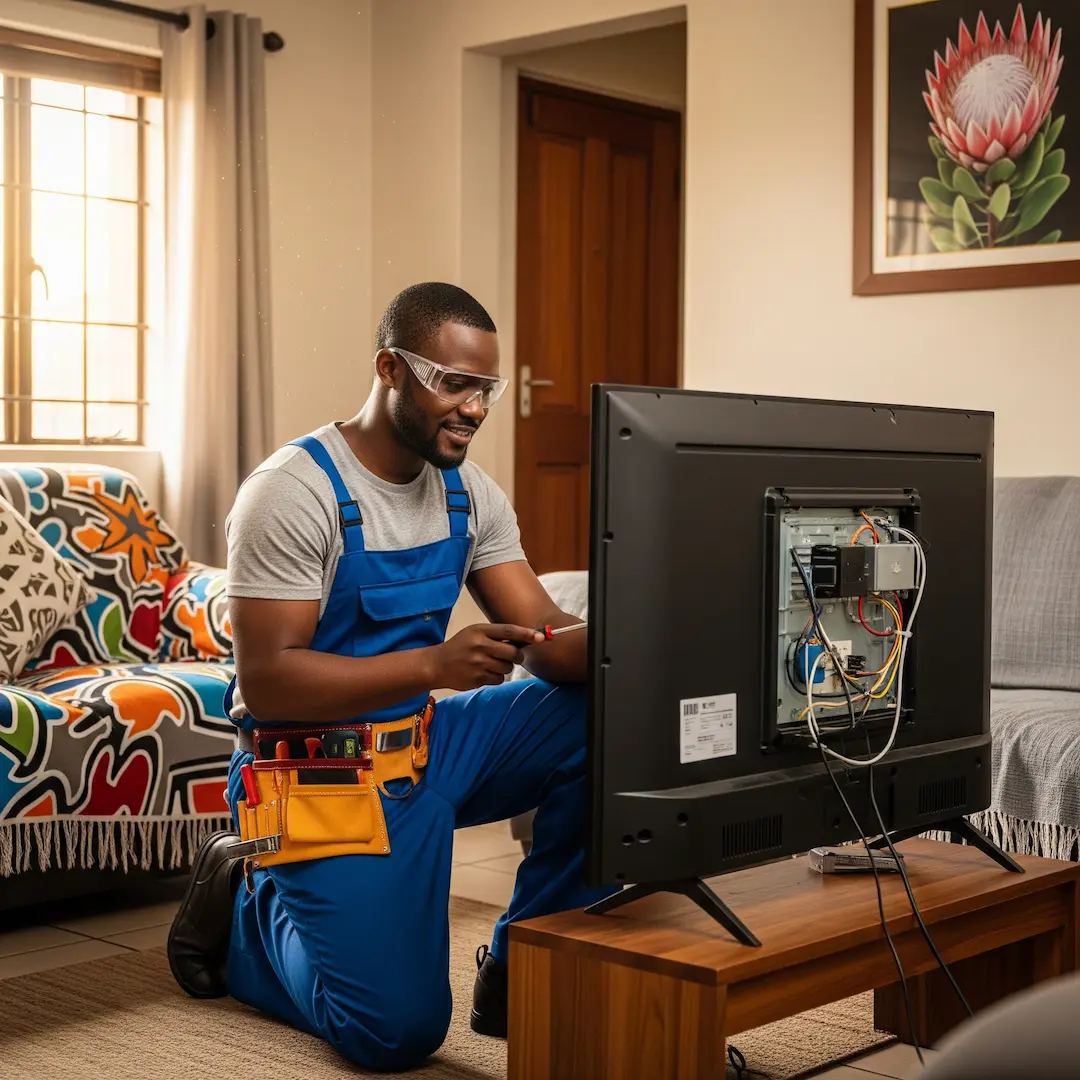
TV Not Turning On? Common TV Problems & When to Seek Professional Repair in SA
TV not turning on in South Africa? Discover common TV problems, quick checks you can try, and when professional repair is the smartest option to restore your screen and avoid costly damage.

TV Not Turning On? Common TV Problems & When to Seek Professional Repair in SA
Few things are as frustrating as settling down for your favourite show or the big game, only to be met with a blank screen. A TV that won't turn on, or displays a myriad of other issues, can throw a real spanner in the works of your evening plans. While some TV problems have simple fixes you can try yourself, others point to more complex internal issues that are best left to the professionals.
In South Africa, with our unique power grids and common electrical fluctuations, TVs can sometimes face specific challenges. Understanding the common culprits behind a malfunctioning television can help you decide whether it's a quick DIY fix or time to call in a qualified technician.
The Dreaded Black Screen: When Your TV Won't Turn On
This is perhaps the most common and perplexing TV problem. You press the power button, the indicator light might flicker, or perhaps nothing happens at all. Here’s a breakdown of what might be going on:
1. Power Supply Issues: The First Port of Call
Before you panic, always check the power. It sounds obvious, but you'd be surprised how often this is the root cause.
- Is it Plugged In? Ensure the power cable is securely plugged into both the TV and the wall socket. Sometimes, a slight bump can dislodge it.
- Check the Power Outlet: Plug another appliance (like a lamp or phone charger) into the same wall socket to see if it's working. If not, the issue might be with your electrical outlet or a tripped circuit breaker in your distribution board. Our professional electricians often share stories of call-outs where the "fault" was simply a tripped breaker that the homeowner hadn't noticed.
- Surge Protector/Extension Cord: If your TV is plugged into a surge protector or extension cord, try plugging it directly into a wall outlet. Surge protectors can sometimes trip or fail, cutting off power.
- TV Power Button/Remote: Some TVs have a physical power button on the unit itself. Try using that instead of the remote. Also, replace the batteries in your remote control – a flat remote is a common, yet often overlooked, cause of perceived TV failure.
2. Internal Power Board Failure
If power is reaching the TV but nothing happens, the power board inside the TV could be faulty. This component regulates the electricity supplied to all other parts of the TV.
- Symptoms: No indicator light, no response to power button, or sometimes a faint clicking sound.
- Expert Insight: Our experienced TV repair technicians regularly encounter power board failures, often due to power surges or just general wear and tear over time. They explain that this is not a DIY fix, as it involves opening the TV and working with live electrical components, which is dangerous.
3. Main Board Malfunction
The main board is the "brain" of your TV, controlling everything from input signals to display processing.
- Symptoms: TV turns on but shows no picture or sound, gets stuck on a logo screen, or randomly restarts. Sometimes, the power light might come on, but nothing else happens.
- Technician's Perspective: Repairing or replacing a main board requires specialist tools and knowledge. It's a precise job, as incorrect installation can damage other components.
Beyond the Black Screen: Other Common TV Problems
What if your TV does turn on, but something isn't quite right?
1. No Picture, But Has Sound
This is a classic symptom, especially with LED or LCD TVs.
- Backlight Failure: The backlights illuminate the screen. If they fail, you'll hear sound but see a very dim or black picture. Shine a flashlight at the screen – if you can faintly see an image, your backlights are likely the issue.
- T-Con Board Problems: The T-Con (Timing Controller) board is responsible for processing the video signal that goes to the screen. A faulty T-Con board can result in no picture, a distorted picture, or colours being off.
- HDMI/Input Issues: Ensure your cables (HDMI, AV, etc.) are securely connected to both the TV and the external device (decoder, console, etc.). Try switching to a different input source on your TV. Sometimes, a faulty HDMI cable can also cause this. Try a different cable if you have one.
2. Distorted Picture or Strange Colours
If your picture looks like a modern art piece when it shouldn't, several factors could be at play.
- Loose Cables: Again, check all input cables. A loose connection can cause flickering, lines, or colour distortion.
- Component Failure (e.g., Panel or T-Con Board): Vertical or horizontal lines, blotches, or discoloured patches often point to issues with the TV's display panel itself or the T-Con board. Replacing a panel is usually very expensive, sometimes costing more than a new TV, but a T-Con board replacement is often more feasible.
- External Interference: Sometimes, nearby electronic devices can cause interference. Try unplugging other devices temporarily to see if the issue resolves.
3. No Sound, But Has Picture
Silence can be golden, but not when you're trying to watch your favourite show.
- Volume Settings/Mute: Double-check your TV's volume settings and ensure it's not muted. Also, check the volume on any external devices connected to the TV (decoder, soundbar, etc.).
- Speaker Issues: The internal speakers might be faulty. If you have external speakers or a soundbar, try connecting them to see if you get sound through them.
- Main Board or Audio Board: If external speakers also fail to produce sound, the problem could lie with the TV's main board or a dedicated audio processing board.
4. TV Keeps Turning On and Off
This can be incredibly frustrating and often points to a deeper issue.
- Loose Power Connection: As always, check the power cable.
- Overheating: Dust buildup inside the TV can cause it to overheat, leading to automatic shutdowns. This is why professional technicians often clean the internals during a service.
- Faulty Capacitors/Power Board: Swollen or leaky capacitors on the power board are a common cause of intermittent power issues. This is a job for a professional.
- Software Glitch: Less common, but sometimes a software bug can cause erratic behaviour. A factory reset might help, but proceed with caution as it will erase your settings.
When to Seek Professional TV Repair in SA
While some basic troubleshooting can be done at home, there's a clear line when professional help becomes necessary.
- Safety First: Opening up a television is dangerous. Capacitors inside can hold a lethal electrical charge even when unplugged. There's also a risk of damaging sensitive internal components if you don't know what you're doing.
- Complex Internal Issues: For problems like power board failures, main board malfunctions, T-Con board issues, or backlight repairs, specialised tools, diagnostic equipment, and expertise are required. Our service providers have years of experience diagnosing and fixing these specific faults.
- Warranty: If your TV is still under warranty, attempting DIY repairs will almost certainly void it. Check your warranty terms before doing anything.
- Value for Money: For expensive TVs, professional repair can be a cost-effective alternative to buying a brand-new unit, especially if the fault is a common and repairable one.
An experienced TV repair technician in South Africa will be able to accurately diagnose the problem, often providing an estimate before proceeding with the repair. They understand the nuances of various TV brands and models and have access to genuine replacement parts or reliable alternatives. Opting for a professional ensures your TV is fixed correctly and safely, giving you peace of mind and many more hours of viewing pleasure.
Frequently Asked Questions
How long does a typical TV repair take?
The repair time can vary significantly depending on the nature of the fault and the availability of parts. Simple fixes might take an hour or two, while more complex issues requiring specific component ordering could take several days to a week. The technician will usually provide an estimated timeframe after diagnosing the problem.
Is it always worth repairing an old TV, or should I just buy a new one?
This depends on the age of the TV, the cost of the repair, and the original price of the unit. For very old, small, or inexpensive TVs, the repair cost might outweigh the value. However, for larger, more modern, or higher-end TVs, a repair can be a much more economical and environmentally friendly option than buying a new one, especially if the issue is a common and fixable component failure. A professional can advise you on the cost-effectiveness of a repair after diagnosis.
Can power surges in South Africa damage my TV?
Yes, power surges are a common cause of TV damage in South Africa. Fluctuations in voltage can overload and damage sensitive electronic components, particularly the power supply board. Using a good quality surge protector is highly recommended to protect your TV and other electronics.
What information should I provide to a TV repair technician when I contact them?
When you contact a technician, it's helpful to provide the TV's brand and model number (usually found on a sticker on the back of the TV). Describe the symptoms clearly: what is the TV doing or not doing, what did you observe before the problem started, and what troubleshooting steps have you already tried (e.g., checked power outlet, tried different cables)? This information helps the technician prepare and can speed up the diagnosis process.
Find a vetted electrician near you
TV repair: find a pro near you
Suzette Meyer is the lead author and content creator for Kandua.com, South Africa’s #1 marketplace for home services. Suzette has made it her mission to help homeowners with advice on all aspects of home repair, maintenance and improvement, including how to choose the right Pro and how to make smart upgrades that improve your resale value or save costs.

Latest articles, advice and more
.webp)
.webp)
.jpeg)
Sinking Pavers, Weeds and Water That Pools: What Your Driveway Is Telling You
When your driveway starts sprouting weeds, pooling water, or sinking in patches, the bricks are not failing you. The layers underneath have moved, and they are trying to tell you exactly what went wrong.
.jpeg)
What Your Garage Door Motor Actually Does (And Why It Breaks)
Spoiler alert: your garage door motor isn't actually doing the heavy lifting. The torsion springs carry almost all the weight. The motor simply pushes, pulls, controls the descent so it doesn't slam, and acts as a lock when the door is shut. That’s why a relatively small box on your ceiling can move such a massive door. Want to test this? Pull the red manual release cord and lift the door by hand. If it glides up easily and stays put when you let go, your springs are doing their job, and the fault lies with the motor. If the door feels like dead weight or slams back down- stop. You’ve got a spring problem.
.jpeg)
4 Warning Signs Your Tiles Are Failing (And What They Mean)
Tiles rarely fail overnight. They warn you first. A hollow sound underfoot, grout that crumbles away, a tile that lifts at one edge, or a crack that runs across two tiles all point to something happening under the surface. Here is what each sign means, and how urgent it is.
.webp)
.webp)
Beyond the Unboxing: A Detailed Guide to Correct Washing Machine Plumbing & Setup
New washing machine in South Africa? Learn essential plumbing and setup tips to prevent leaks, ensure efficient operation, and extend your appliance’s lifespan - expert advice before your first load.
.webp)
New Washing Machine? Don't Plug It In Yet! Essential Installation Tips for SA Homes
Installing a new washing machine? Learn the essential setup steps South African homeowners often overlook to prevent leaks, noise, and damage—and ensure efficient, long-lasting performance from day one.
.webp)
.webp)
%25201200%2520x%25201200%2520(1).jpeg)
What Retiling a Bathroom Costs in 2026, Room by Room
Retiling a bathroom in South Africa costs between R230 and R800 per square metre in 2026, including materials and labour. A standard family bathroom, stripped and fully retiled, usually lands between R11,800 and R27,500. A guest toilet costs a fraction of that. A large porcelain en-suite costs a lot more.
How to Install a Horizontal Geyser | Step-by-Step Pro Guide
Want to install a geyser like a pro? This step-by-step tutorial shows you exactly how to do a horizontal Ariston Axios geyser installation, straight from the BluLever plumbing workshop. 🎥 Hosted by MK, BluLever’s technical facilitator, and supported by a qualified electrician, Life and a BluLever graduate artisan, Zinhle. This is your ultimate guide to a SANS 10254-compliant installation — from preparing the wall, to plumbing, electrical wiring, and pro troubleshooting tips.
How to Maintain a Geyser | Step-by-Step Pro Guide
Want to maintain a geyser like a pro? This step-by-step tutorial shows you exactly how to do the three core geyser maintenance checks on an Ariston Axios geyser installation, straight from the BluLever plumbing workshop. 🎥 Hosted by MK, BluLever’s technical facilitator, and supported by a qualified electrician, Life. This is your ultimate guide to geyser maintenance — from diagnosing the problem to checking the heat regulation of the geyser, to pressure regulation and then finally corrosion protection.
%201.avif)
Not just another newsletter. It's an advantage