
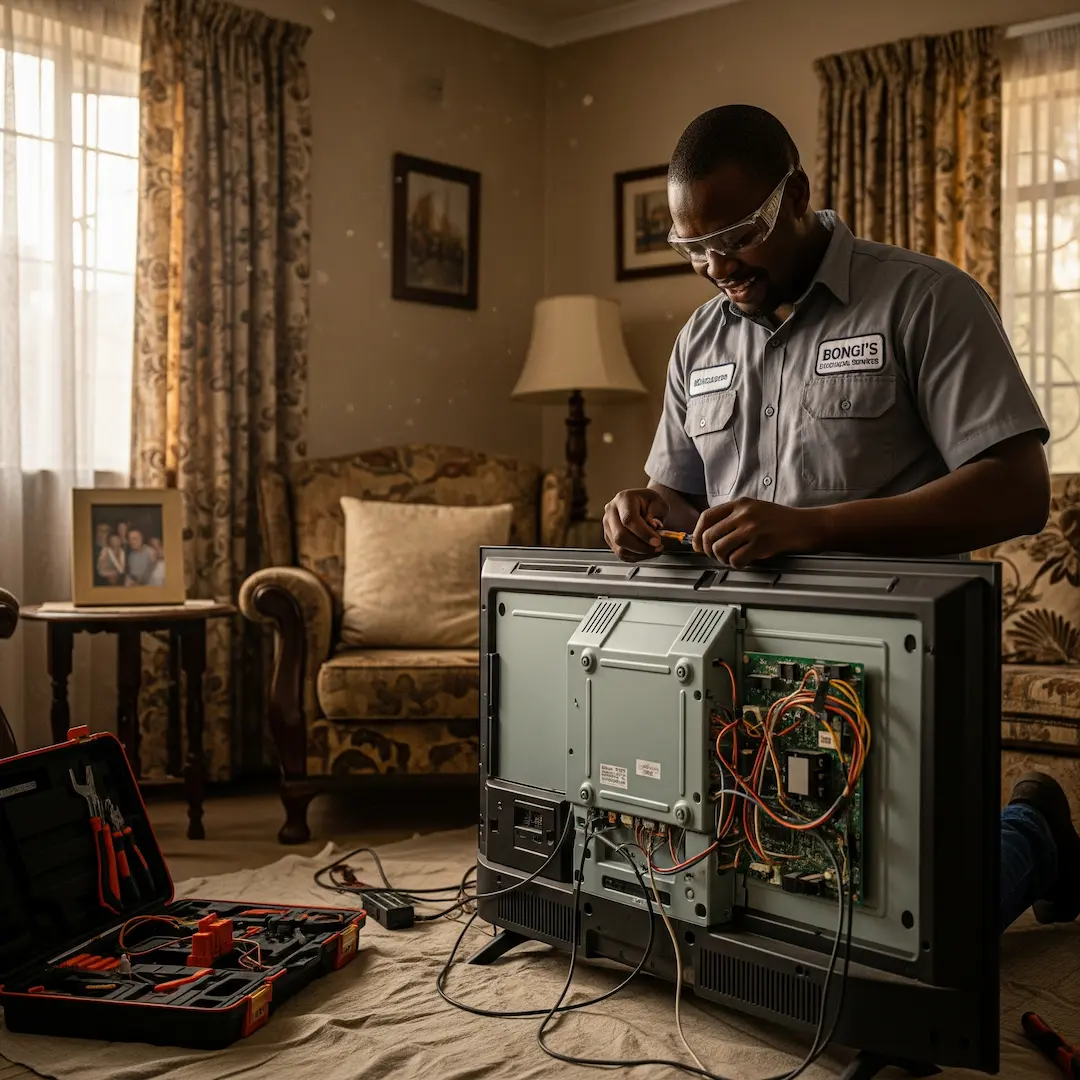
Your TV is Repaired! Tips for Sustained Performance & Enjoyment in SA
TV repaired? Learn essential aftercare tips to extend lifespan, maintain picture quality, and prevent future issues—helping South African households enjoy reliable, long-lasting TV performance.

Your TV is Repaired! Tips for Sustained Performance & Enjoyment in SA
There's nothing quite like the relief of having your TV back in action after a repair. Whether it was a blank screen, sound issues, or a flickering display, getting it fixed means you can get back to enjoying your favourite shows, movies, and sports. But a repair isn't just about bringing your TV back to life; it's also an opportunity to ensure its longevity and prevent future problems.
Our experienced technicians often share that proper aftercare is crucial. It’s like servicing your car – a little preventative maintenance and mindful usage go a long way in keeping things running smoothly. This guide will help South African homeowners understand how to get the most out of their recently repaired TV, avoid common pitfalls, and recognise when it might be time for another check-up.
Understanding Your Repaired TV: What to Look Out For
Once your TV is back from the repair shop, it's natural to just plug it in and resume normal viewing. However, taking a moment to observe its initial performance can be beneficial.
One service provider recounted a scenario where a client called back a few days after a backlight repair, concerned the picture still seemed a bit dim. Upon inspection, it turned out the TV's picture settings had been reset to a lower brightness during the repair process. A quick adjustment in the settings menu solved the "issue," highlighting the importance of re-familiarising yourself with your TV's features post-repair.
Here are a few things to check:
- Picture Quality: Is the image clear, vibrant, and free of distortions? Check for dead pixels, colour inconsistencies, or unusual lines.
- Sound Quality: Is the audio crisp, without crackling, buzzing, or unexpected drops? Test different channels or inputs.
- Connectivity: Ensure all your devices (DSTV decoder, gaming console, soundbar, etc.) connect seamlessly and function as expected.
- Remote Responsiveness: Does the remote control work without delay or issues?
- Heat Output: While some warmth is normal, excessive heat from the back of the TV could indicate an underlying issue.
Protecting Your Investment: Preventing Future TV Problems
Many TV problems stem from environmental factors or user habits that can easily be avoided. Think of it as protecting your investment – a little care now can save you a lot of hassle and expense later.
Optimal Placement and Ventilation
One of the most common issues our experts see is TVs overheating due to poor ventilation. A unit tucked away in a tight cabinet with no airflow is a recipe for disaster.
- Allow for Airflow: Ensure there's ample space around your TV, especially at the back and sides, for heat to dissipate. Avoid placing it in enclosed cabinets without proper ventilation openings.
- Avoid Direct Sunlight: Prolonged exposure to direct sunlight can damage the screen and internal components, leading to picture degradation or discolouration.
- Keep Away from Heat Sources: Radiators, fireplaces, and even certain light fixtures can generate significant heat. Position your TV away from these.
Power Protection is Paramount
South Africa's power grid can be temperamental, and power surges are a leading cause of TV damage.
- Surge Protectors: Always connect your TV to a high-quality surge protector. This is non-negotiable. It acts as a buffer, absorbing sudden spikes in voltage before they reach your sensitive electronics.
- UPS (Uninterruptible Power Supply): For even greater protection, especially in areas prone to frequent power fluctuations or outages, consider a UPS. It provides a consistent power supply and allows for a graceful shutdown during blackouts, preventing potential data corruption or component strain.
- Unplug During Storms: When lightning strikes, even surge protectors can be overwhelmed. During severe thunderstorms, it's always safest to unplug your TV and other valuable electronics from the wall socket.
Cleaning Your TV Safely
A dusty screen can diminish your viewing experience and, over time, can even affect performance. However, improper cleaning can cause irreparable damage.
- Power Off First: Always turn off and unplug your TV before cleaning.
- Use a Microfibre Cloth: For everyday dust, a soft, dry microfibre cloth is all you need. Wipe gently in one direction.
- Specialised Cleaners Only: If you need to remove smudges or fingerprints, use a cleaning solution specifically designed for TV screens (often alcohol or ammonia-free). Spray the solution onto the cloth, not directly onto the screen.
- Avoid Harsh Chemicals: Never use window cleaner, kitchen sprays, or other abrasive chemicals, as these can strip protective coatings and damage the screen.
Mindful Usage Habits
How you use your TV daily also plays a role in its longevity.
- Avoid Over-Usage: While TVs are designed for extended use, prolonged periods of being on at maximum brightness can shorten the lifespan of backlights and other components. Consider giving your TV a "rest" if it's been on for many hours.
- Gentle Handling: When moving your TV, always do so carefully, supporting it properly. Avoid putting pressure on the screen.
- Software Updates: Keep your Smart TV's software updated. Manufacturers often release updates that improve performance, fix bugs, and enhance security.
Recognising Early Warning Signs of Future Issues
Even with the best care, electronics can develop problems. Knowing what to look out for can help you address minor issues before they escalate into costly repairs.
A common scenario an electrician shared involved a client who noticed their TV occasionally took longer to switch on, or sometimes the picture would flicker for a second before stabilising. They ignored these small glitches for months until the TV eventually wouldn't switch on at all. An earlier intervention could have been a simpler, less expensive fix, perhaps just a component starting to fail.
Here are some signs that your TV might need another professional check-up:
- Intermittent Problems: The TV sometimes works perfectly, and other times it doesn't. This could be sound cutting out, the picture flickering, or the remote not responding.
- Unusual Noises: Buzzing, clicking, or grinding sounds coming from the TV are definitely red flags.
- Excessive Heat: If the back of your TV feels unusually hot to the touch, especially in one specific area, it could indicate an internal component overheating.
- Picture Degradation: Noticeable changes in picture quality – fading colours, pixelation, or dark spots that weren't there before.
- Slow Response Times: Your TV taking longer to switch on, switch channels, or respond to remote commands.
- Burning Smell: Any faint burning smell is a serious warning sign and requires immediate attention. Unplug the TV immediately.
When to Call the Experts Again
While some issues might be minor, it's always best to err on the side of caution when it comes to electronics. If you notice any of the warning signs, or if your TV starts behaving strangely after a repair, don't hesitate to contact a qualified professional. Attempting DIY repairs on complex electronic devices can be dangerous and often leads to further, more expensive damage. Electricians and TV repair specialists have the necessary tools, expertise, and safety knowledge to diagnose and fix problems correctly, ensuring your TV is safe and performs optimally.
Frequently Asked Questions
How long should a TV repair typically last?
The longevity of a TV repair depends on the specific issue that was fixed and the overall condition of the TV. A professional repair addressing a single component failure, such as a power supply board, can significantly extend the TV's life by several years. However, if the TV is older and multiple components are nearing the end of their lifespan, the repair might only offer a shorter extension.
Can I use universal remote controls after a TV repair?
Yes, in most cases, a universal remote control will still function perfectly after a TV repair. Repairs typically address internal components related to picture, sound, or power, and do not usually affect the infrared receiver that communicates with your remote. You might need to re-pair or re-programme the universal remote if the TV's settings were reset during the repair.
What is screen burn-in and how can I prevent it?
Screen burn-in (or image retention) occurs when a static image is displayed for too long, causing a ghost-like imprint to remain on the screen, particularly on OLED TVs. While modern TVs are more resistant, you can prevent it by avoiding leaving static images on the screen for extended periods, using screen savers, and utilising your TV's built-in pixel shifting or screen refresh functions if available.
Is it safe to wall-mount my TV after a repair?
Yes, it is generally safe to wall-mount your TV after a repair, assuming the repair itself did not involve structural damage to the TV's casing or mounting points. Always ensure that the wall mount is properly installed into wall studs or appropriate anchors and that it is rated to safely support the weight of your TV. If you're unsure, it's best to consult with a professional installer.
Find a vetted electrician near you
TV repair: find a pro near you
Suzette Meyer is the lead author and content creator for Kandua.com, South Africa’s #1 marketplace for home services. Suzette has made it her mission to help homeowners with advice on all aspects of home repair, maintenance and improvement, including how to choose the right Pro and how to make smart upgrades that improve your resale value or save costs.

Latest articles, advice and more
.webp)
.webp)
.jpeg)
Sinking Pavers, Weeds and Water That Pools: What Your Driveway Is Telling You
When your driveway starts sprouting weeds, pooling water, or sinking in patches, the bricks are not failing you. The layers underneath have moved, and they are trying to tell you exactly what went wrong.
.jpeg)
What Your Garage Door Motor Actually Does (And Why It Breaks)
Spoiler alert: your garage door motor isn't actually doing the heavy lifting. The torsion springs carry almost all the weight. The motor simply pushes, pulls, controls the descent so it doesn't slam, and acts as a lock when the door is shut. That’s why a relatively small box on your ceiling can move such a massive door. Want to test this? Pull the red manual release cord and lift the door by hand. If it glides up easily and stays put when you let go, your springs are doing their job, and the fault lies with the motor. If the door feels like dead weight or slams back down- stop. You’ve got a spring problem.
.jpeg)
4 Warning Signs Your Tiles Are Failing (And What They Mean)
Tiles rarely fail overnight. They warn you first. A hollow sound underfoot, grout that crumbles away, a tile that lifts at one edge, or a crack that runs across two tiles all point to something happening under the surface. Here is what each sign means, and how urgent it is.
.webp)
.webp)
Beyond the Unboxing: A Detailed Guide to Correct Washing Machine Plumbing & Setup
New washing machine in South Africa? Learn essential plumbing and setup tips to prevent leaks, ensure efficient operation, and extend your appliance’s lifespan - expert advice before your first load.
.webp)
New Washing Machine? Don't Plug It In Yet! Essential Installation Tips for SA Homes
Installing a new washing machine? Learn the essential setup steps South African homeowners often overlook to prevent leaks, noise, and damage—and ensure efficient, long-lasting performance from day one.
.webp)
.webp)
%25201200%2520x%25201200%2520(1).jpeg)
What Retiling a Bathroom Costs in 2026, Room by Room
Retiling a bathroom in South Africa costs between R230 and R800 per square metre in 2026, including materials and labour. A standard family bathroom, stripped and fully retiled, usually lands between R11,800 and R27,500. A guest toilet costs a fraction of that. A large porcelain en-suite costs a lot more.
How to Install a Horizontal Geyser | Step-by-Step Pro Guide
Want to install a geyser like a pro? This step-by-step tutorial shows you exactly how to do a horizontal Ariston Axios geyser installation, straight from the BluLever plumbing workshop. 🎥 Hosted by MK, BluLever’s technical facilitator, and supported by a qualified electrician, Life and a BluLever graduate artisan, Zinhle. This is your ultimate guide to a SANS 10254-compliant installation — from preparing the wall, to plumbing, electrical wiring, and pro troubleshooting tips.
How to Maintain a Geyser | Step-by-Step Pro Guide
Want to maintain a geyser like a pro? This step-by-step tutorial shows you exactly how to do the three core geyser maintenance checks on an Ariston Axios geyser installation, straight from the BluLever plumbing workshop. 🎥 Hosted by MK, BluLever’s technical facilitator, and supported by a qualified electrician, Life. This is your ultimate guide to geyser maintenance — from diagnosing the problem to checking the heat regulation of the geyser, to pressure regulation and then finally corrosion protection.
%201.avif)
Not just another newsletter. It's an advantage